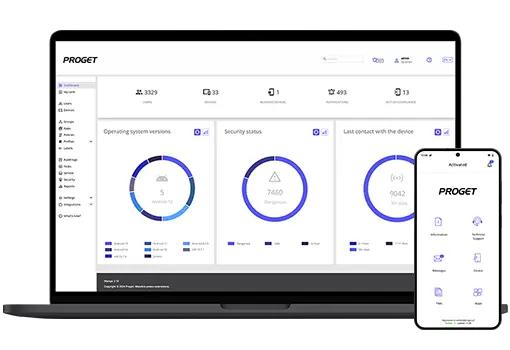

The latest version of the Proget solution is now available! We’ve introduced some highly anticipated changes and features we plan to develop further.
In this update, we’ve focused on regaining control of devices in emergency situations, expanding the capabilities of Kiosk mode, and introducing new applications that open up additional deployment scenarios.
A handful of key new features
Serwice password
This mechanism allows the administrator to provide remote assistance to a user even when the device has lost contact with the server. The administrator generates a service password from the Proget console, and the user enters it on the device to perform a specific action.
In version 2.20, you decide which actions the entered code should trigger – you can combine them as you like. Your options include disabling Lost Mode, exiting the kiosk, temporarily lifting network restrictions, or allowing a factory reset. The created service password is longer than before, which increases security. To make it easier to share with the user, you can email it or generate a QR code.
Two new mobile apps
- We’ve introduced remote file management functionality for Android and iOS devices. This feature requires a separate app, Proget File Manager. Once configured, you can use the console to browse the device’s folder structure, upload and download files, and delete unnecessary data. Operations are performed asynchronously, so you can create tasks even when the device is offline.
- With the Proget Notifier app, you can display any message on Android devices, complete with graphics, a description, and buttons for simple interaction, such as making a call or responding to a survey. Notifier works well with the Kiosk profile and dynamic groups – check out the documentation for sample use cases.
Kiosk mode improvements
The Proget settings panel (Wi-Fi, volume, brightness, etc.) is now also available in single-app mode. When you enable the appropriate option in the profile, users will find the settings on the kiosk exit screen.
From now on, you can also choose whether the kiosk should appear above or below the lock screen, as well as specify the time after which the user will be logged out of the kiosk – or disable automatic logout entirely. We’ve also added two new intent types: user logout and immediate exit from the kiosk.
What can the new version of Proget do?