MDM – Mobile Device Management
Central management of enterprise mobile devices
Smartphones, tablets, laptops and rugged devices – ready to work in minutes.
What is Mobile Device Management (MDM)?
Mobile Device Management (MDM) is an IT solution that enables centralized management of an organization’s device fleet. It operates through the MDM protocol (Android Enterprise, Apple MDM Protocol, Windows MDM/CSP) built into the device’s operating system. This allows IT administrators to remotely deploy configurations, enforce security policies, and respond to incidents without physical access to the device. Organizations implement MDM solutions to secure and standardize their device environment, reduce IT operational costs, and meet regulatory requirements such as NIS2.
How do organizations use MDM in practice?
Explore real-world scenarios where an MDM system streamlines everyday device management.
Large-scale device deployment
- Need: An organization is deploying a fleet of 100 new devices for employees across multiple locations.
- Problem: Manual configuration of each device individually is time-consuming and can lead to errors or inconsistencies between devices.
- After MDM deployment: Devices are configured remotely and automatically. They are operational from the first boot – with no on-site IT involvement.
Which operating systems does Proget MDM support?
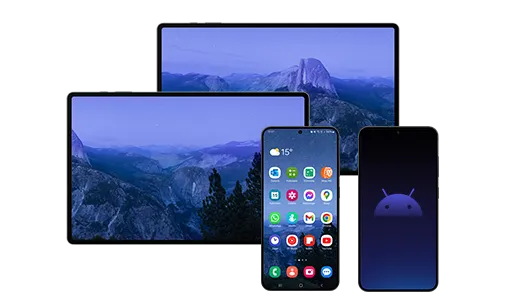
Manage your corporate Android device fleet in COBO, COPE, and BYOD models. Proget supports Android Enterprise – enabling automatic provisioning through zero-touch enrollment, security policy enforcement, and full separation of work and personal data.
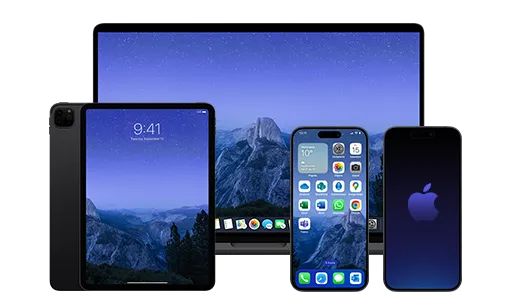
Manage iPhone, iPad, and Mac devices in a corporate environment. Proget integrates with Apple Business Manager (ABM), enabling zero-touch enrollment and automatic device deployment without physical IT configuration. Distribute applications through Apps and Books (VPP) and enforce security policies on Apple devices across your organization.
Leverage the full capabilities of Samsung Knox in corporate and operational environments – from office smartphones to rugged tablets used in logistics and manufacturing. Proget supports Samsung Knox as a dedicated activation type with profiles and policies unavailable in standard Android Enterprise, including KME for mass enrollment.
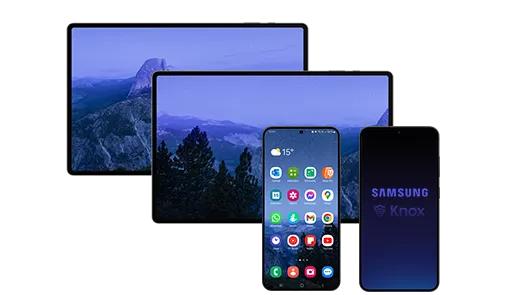
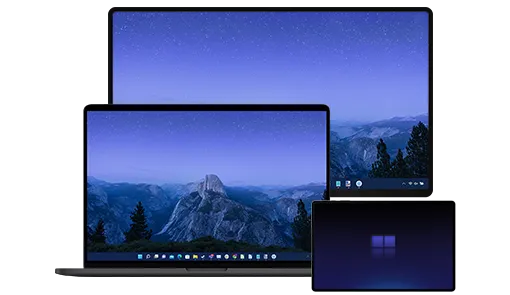
Maintain consistent configurations across Windows computers and laptops from a single Proget console. Configure password policies, BitLocker encryption, and system feature access – with Microsoft Entra ID integration for user profile import.
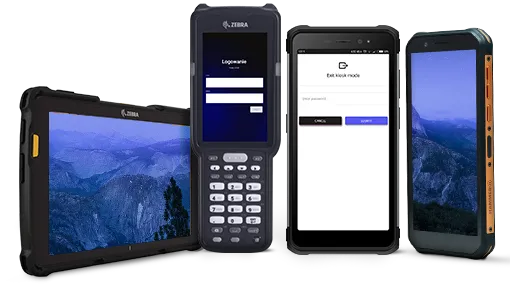
Manage industrial and ruggedized devices – scanners, terminals, and rugged tablets – used in logistics, manufacturing, field service, and public safety. Auto-enrollment enables mass fleet deployment without manual configuration, while kiosk mode restricts devices to a single application or a defined set. Proget also supports AOSP devices – specialist hardware running without Google services.
How does Proget MDM handle daily device management?
Proget MDM is a platform that brings together all the tools needed to manage a device fleet – from deployment and configuration, through security, to day-to-day IT support.
Device management
Apps management

Data security

Remote IT support
What’s the cost of no MDM?
- Manual device administration
Without automation, IT teams must manually configure and maintain every device. Each new device adds to the operational workload and extends the user onboarding process. - High IT team workload
Managing incidents without remote tools increases the number of interventions and lengthens the time required to resolve them. This affects helpdesk and IT operations resource utilization. - Challenges in scaling the environment
As the number of devices grows, so does the demand on IT administrative resources. Without MDM, the cost of managing the environment scales proportionally with device count.

- Inconsistent device configurations
Differences in device and application configurations increase the complexity of the IT environment, resulting in higher maintenance costs and making change management and updates more difficult. - Limited infrastructure visibility
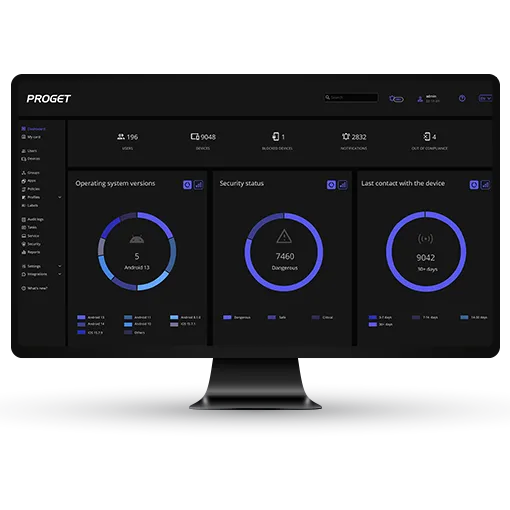
Without a single management console, monitoring the status of devices, applications, and configurations across the organization becomes difficult. This limits the ability to respond quickly to issues and make informed operational decisions.
- Risk of data loss or breach
A lost device, unauthorized access, or the absence of centrally enforced security policies can lead to the exposure of corporate data. The consequences include incident response costs, business disruption, and the risk of losing client and partner trust. - Risk of non-compliance and audit findings
Inconsistent security standards across devices make it harder to meet regulatory and internal policy requirements. This can affect the outcome of audits and an organization’s ability to demonstrate compliance with frameworks such as NIS2 or ISO.
Why do organizations choose Proget MDM?
Proget MDM is chosen by organizations that need full control over their device environment, a flexible deployment model, and local technical support.
- Sovereign device management – flexible deployment in an on-premise or cloud model, with the option to keep data within the EU.
- English-language technical support – support available via chat and ticketing system, handled by engineers based in Poland – no bots or redirection to global support centers.
- Deployment and migration support – the cloud version is ready immediately after registration. On-premise deployment and migration from another system are carried out together with the client – at no additional cost.
Take control of your organization’s devices
Book a demo or launch a test environment and see how Proget MDM streamlines device management across your organization.