
Jump to:
Friday, 12:15 PM. The head of sales calls: ‘I lost my work tablet. It had all my client contacts and CRM access. Do you have any backup?’ A moment later, an email from the CEO pops up: ‘By end of day, HR needs a new app for reporting.’
You glance at the Excel sheet where you track all the company devices… and you just know it’s going to be a long day. For now, you tell the tablet guy to change his passwords – because a ‘message from the top’ always takes priority (as usual). If your company has just a handful of phones and everyone’s in the office, you might pull it off. But what if it’s not five devices… but fifty, and each one is in a different part of the country?

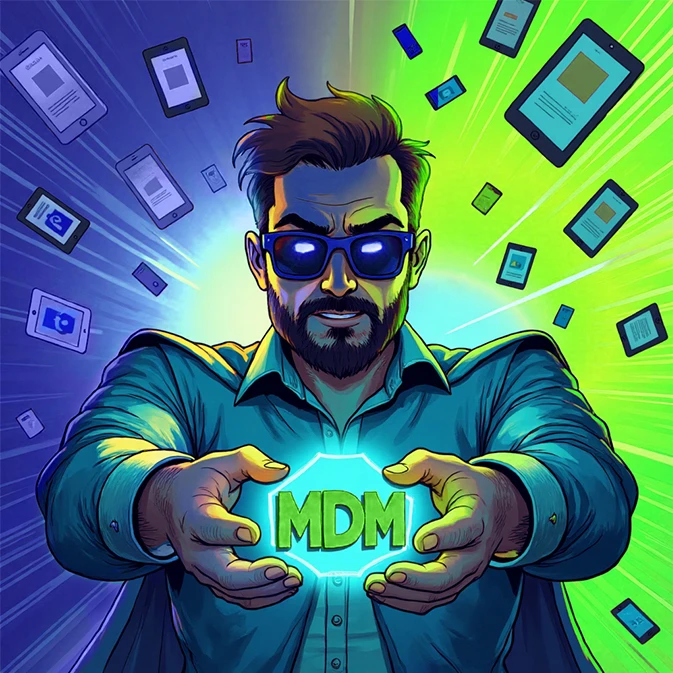
Now imagine that you have a ‘magic remote control’ that will make these and other tasks easier.
The MDM (Mobile Device Management) system, because that’s what we’re talking about, transforms the management of company devices from firefighting into a controlled process. How much? Judge for yourself. Let’s take a look at two versions of ‘the life of an admin.’
5 situations where MDM will save your day (and weekend)
System updates – horror or formality?
Without MDM: A critical system update for mobile devices has been released. You can run from desk to desk and make sure everyone updates, or send out a guide and cross your fingers that employees will manage. Some will probably do nothing, others will panic: ‘Can I click this? Won’t it break my phone?’ You are left with the risk that someone with a vulnerable OS will let malware into the company network.
With MDM: You decide when and on which devices the update will appear. You can force it remotely and even set a schedule outside of working hours so as not to interrupt anyone’s meetings (especially those who must not be interrupted).
Installing apps – mission impossible?
Without MDM:
- Send links and instructions (provided that it is not a custom app – in which case you will need to install it manually for everyone).
- Brace yourself for the FAQ storm: ‘Where’s the Play Store again?’, ‘Is it the icon with the blue thingy?’
- Discover that half the team has the wrong version, and the rest haven’t downloaded anything at all.
With MDM:
- Add and configure the app in the system.
- Grab a coffee while the app auto-installs on all devices.
- Reply to the CEO’s email: ‘Done.’
Lost phone – panic or just two clicks?
Without MDM: Someone left their phone in an Uber, or quit without returning a device full of sensitive data? You start revoking account access, sending emails, making calls asking for the phone back… and then you wait.
With MDM: You open the admin console, locate the device, lock company data or wipe it remotely. The phone instantly becomes an expensive paperweight. And if you’re lucky (and location tracking’s on), you might even spot it in a pawn shop.

Policy compliance – theory vs. reality
Without MDM:
Tuesday, 9:17 AM: Smith installed Candy Crush on her work phone (again). You only find out when she calls IT because ‘the phone is acting slow.’
Wednesday, 2:42 PM: While on a business trip, Johnson connected to Free_WiFi_4U ‘just for a second.’ Later, he reported his phone might be infected.
Thursday, 8:03 AM: The head of sales posted a factory selfie to the company’s social media. In the background? A detailed product schematic.
With MDM:
Tuesday, 9:17 AM: Smith calls because ‘something won’t download.’ You tell her games aren’t allowed (Candy Crush is blacklisted in the MDM console).
Wednesday, 2:42 PM: Johnson tries to join an airport hotspot. Nope – MDM restricts connections to approved networks only.
Thursday, 8:03 AM: A selfie from the factory? Not happening. On-site, the company phone’s camera is auto-disabled by the system.
Device inventory – Excel (not) always up to date
Without MDM: Your spreadsheet might look tidy, but when something changes in the company, updating it takes saint-like patience. Before an audit, you’re burning the midnight oil, double-checking if the cells match your knowledge, and if your knowledge match reality.
With MDM: In the console, you see all connected devices in real time: model, OS version, installed apps, even battery status. Before the audit you just generate a ready-to-go report with exactly the data you need. No copy-pasting.

Is the ‘magic remote’ right for you?
If you manage more than just a handful of company phones, and you’re still doing it manually, it might be time to rethink your approach. This isn’t just another ‘IT gadget’ but a tool that can genuinely save you hours of work, spare your nerves, and lower the risk of data leaks. It runs quietly in the background – day in, day out – efficiently and reliably.
Still not sure? Totally fair. Below, you’ll find answers to the questions you’re probably already asking yourself.
FAQ
‘How much does it cost?’ – your boss’s favorite question
MDM typically costs between $3 and $9 per device per month. Roughly the price of a client coffee meeting, or a basic CRM subscription for one employee – and just a fraction of what you’d lose in time manually configuring settings or cleaning up after a user’s ‘creative ideas.’ Show how many problems MDM prevents before they even start.
Is MDM just surveillance? – common employee concerns
MDM can’t eavesdrop on calls, browse private photos, or read WhatsApp memes. It’s built to protect company data and make device management easier, not to spy on users. Tired of explaining that one-on-one? We’ve got you covered with ready-to-use materials:
Can MDM spy on me? >
Does the system implementation affect employees? >
Is MDM hard to use?
The admin console might look like a Tesla dashboard at first glance, but don’t let that fool you. A good MDM system is intuitive, with pre-made setup templates, step-by-step guides, clear documentation, and responsive tech support. In most cases, you configure things once, and just tweak as your company grows or policies evolve.
Pro tip: You don’t need to roll MDM out to the entire fleet on day one. Start small – test it in one department that’s getting new devices, or even on a single phone.
Always look at the bright side of #adminlife!

Author: Agnieszka Pierlak
Marketing specialist with experience in the IT industry. Interested in issues related to cybersecurity and internal security. Privately, a lover of good literature, Asian cuisine and mountain hiking.